

Incomplete master data, duplicates and unclear responsibilities are part of everyday life in many companies. These problems lead to delays, errors and unnecessary costs.
With the right measures and properly set up processes, the quality of your master data can be significantly improved - starting with the master data application in SAP.

Tip 1: Clearly define authorizations and roles in the process
Uncontrolled and duplicate data entry often occurs because every user can create or change master data directly.
SolutionClearly define roles and authorizations in SAP. Only authorized employees may create or change data records, and approvals can be organizationally controlled.
Tip 2: Provide digital assistants for users
Missingrhafte Ddata entry or Ambiguities cause an insufficient Master dataquality.
Solution: Use intelligent checklists, data-Cockpits, inputsaids or Default values to ensure that all the necessary data is correct are recorded.

Tip 3: Carry out system-supported approvals
It is often unclear who is responsible for the approval of a data record and at which process point the application is processed.
SolutionDefine clear responsibilities, supported by a user-friendly visualization of the approval workflow including the processing history and the following steps of the application processing.
Tip 4: Ensure master data quality
A femitting Processautomatization, and Manual interventions due to Media disruptions cause additional work and costs.
Solution: Establish regular data reviews, team checks and defined processes for correcting master data records. This allows you to carry out rework in a plannable and efficient manner.
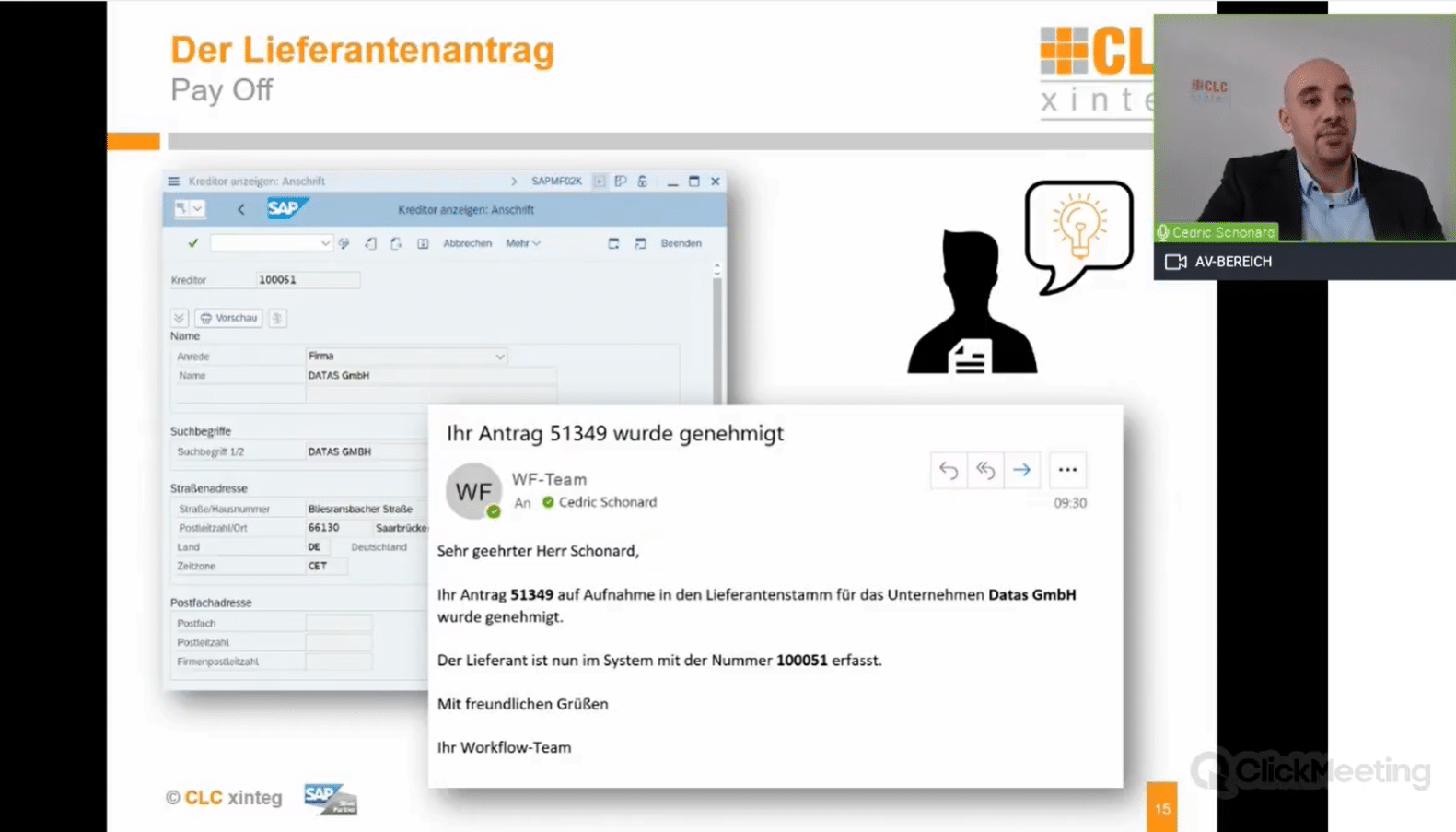
Achieve high-quality master data quickly and easily
Speed booster for your master data maintenance:
Time wasters Reworken Avoid, Approval processes accelerate and Quality of master data improve- while at the same time increasing data quality, without additional administrative effort for your team.
If you are looking for a solution that works faster, easier and without constant manual checks, CLC-PADD® S Suite+ is the answer:
- Digital workflowsApprovals and authorizations are automated - no need to follow up by e-mail or telephone.
- Guided input masksMandatory fields and documents are checked automatically, users are supported step by step.
- Role and authorization controlResponsibilities are clearly defined in the system - unauthorized changes are a thing of the past.
This not only makes the aforementioned tips easier to implement - they are also mapped seamlessly, reliably and automatically in the SAP system.
View directly now: In our YouTube video we show you step by step, like You with the help of intuitively operated master data applications, in the form of SAP Fiori apps and digital assistants, quickly and easily achieve high-quality master data.
 English
  Deutsch